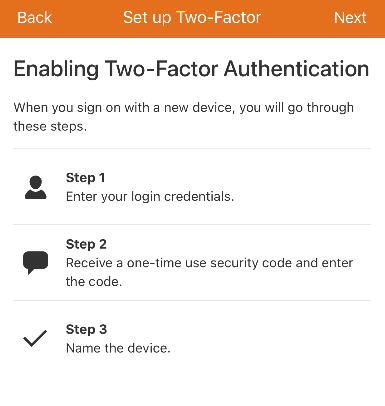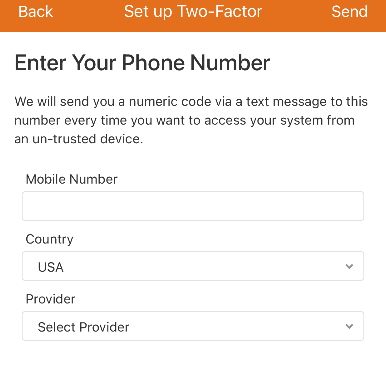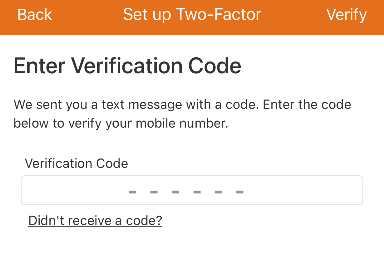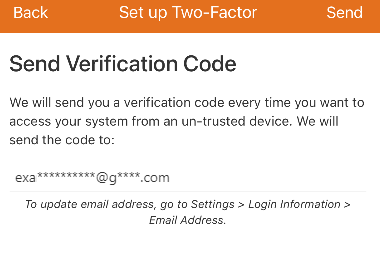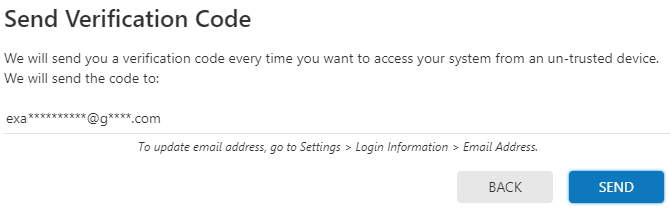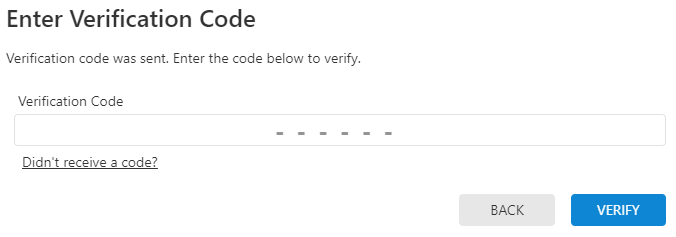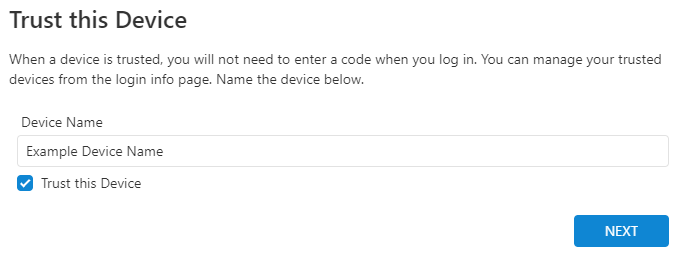
To reset Two Factor Authentication while logged out:
- Log into the Customer website or Customer app.
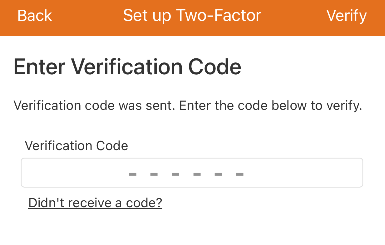
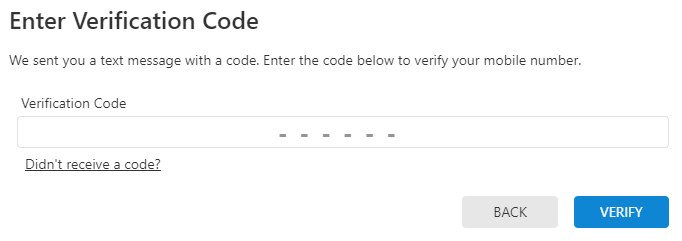
- In Enter Verification Code, click or tap next to Don't have access to your device?.
- Select to reset Two-Factor Authentication or to contact your service provider:
- If you have access to your email address associated with the login:
- In Option 1: Reset Two-Factor Authentication, click or tap Reset 2FA to send a reset link to the email address associated with the login.
- If you do not have access to your email address associated with the login:
- In Option 2: Contact your Service Provider, use the contact information listed to contact your service provider.
- If you have access to your email address associated with the login:
Note: The ability for you to reset their own Two-Factor Authentication configuration is available only if you use SMS or an authenticator application.
 .
.