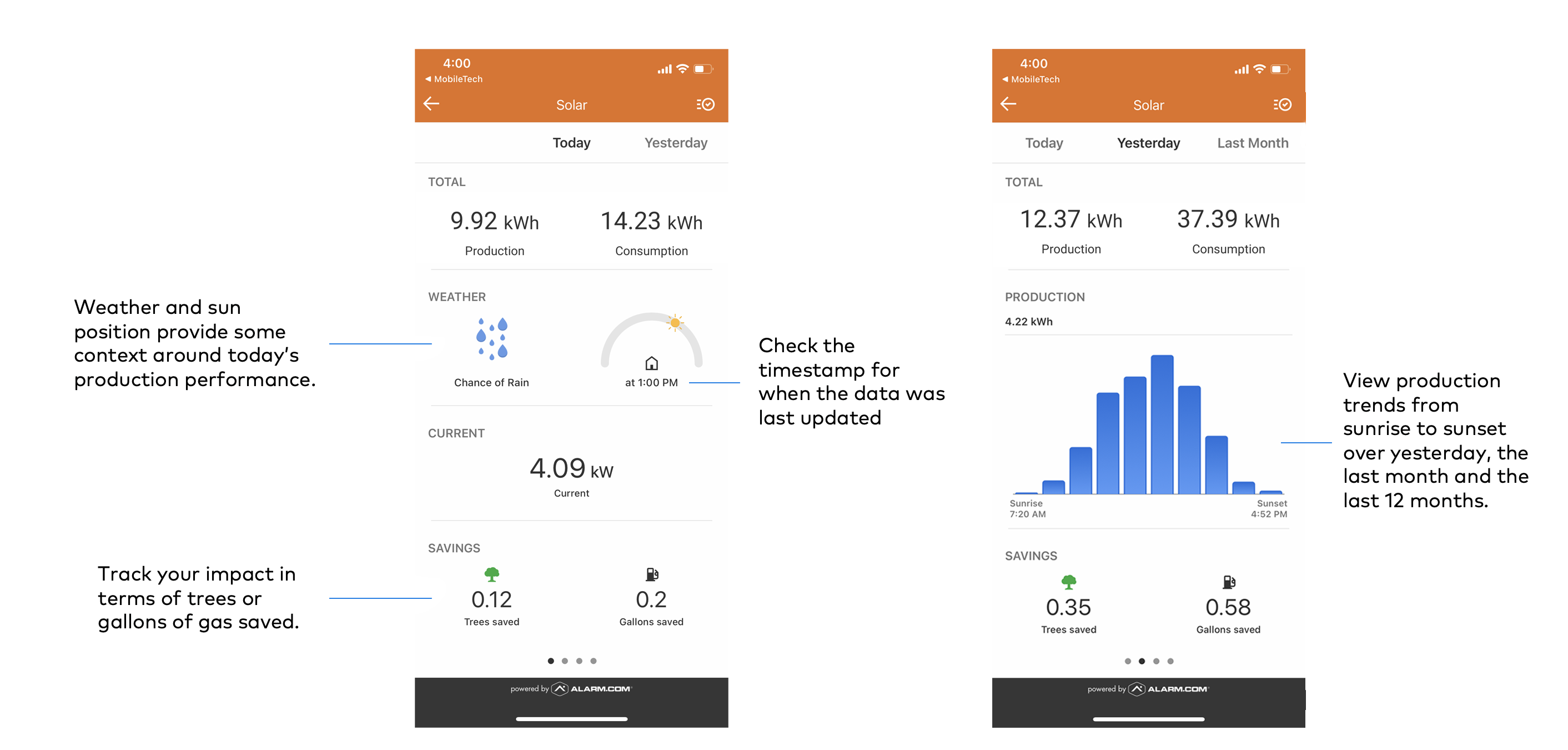
View solar production data
Users with SolarEdge or Enphase inverters can monitor home solar panel energy production and consumption* in the customer app.
*Note: All users can view solar production data if the add-on is enabled and the proper equipment is installed. Some users will need to have the necessary hardware installed by their solar provider to be able to view energy consumption data in this section as well. For more information, contact your service provider.
You can quickly view the day's current production, total production, and production rating from the home screen. The Solar page allows you to track data for the day, week, last 30 days, and the last 12 months and view estimated savings, empowering you to make smarter decisions about home energy use.
To view solar production data:
Note: For information about adding solar monitoring to your account, contact your service provider.
- Log into the customer app.
- Tap Solar.
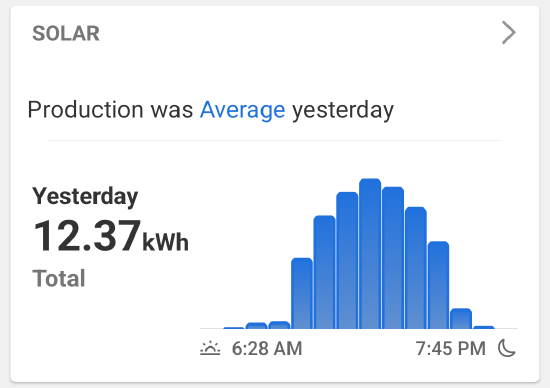
- Tap the production rating to view more information about the efficiency of the solar system:
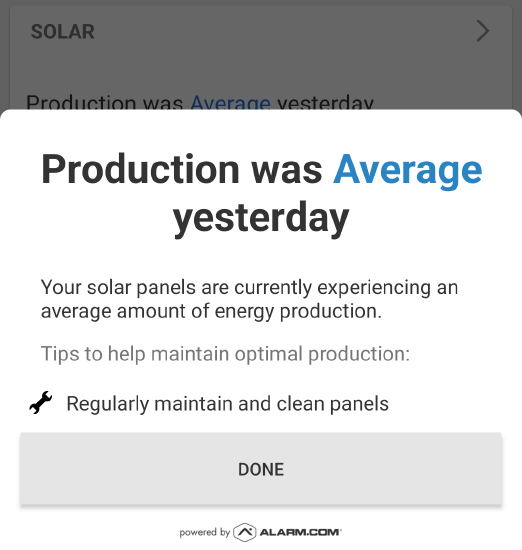
- Tap the production rating to view more information about the efficiency of the solar system:
- Swipe right or left to view solar data for the current day, the previous day, the previous month, or the previous year.