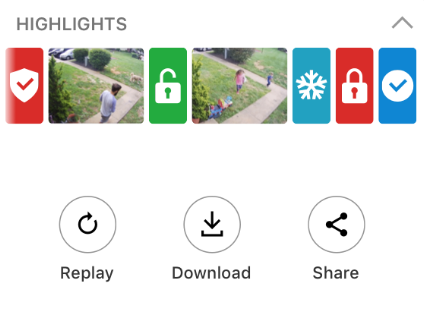
To view Highlights on the Customer app:
- Log into the Customer app.
- Tap to expand the Highlights card.
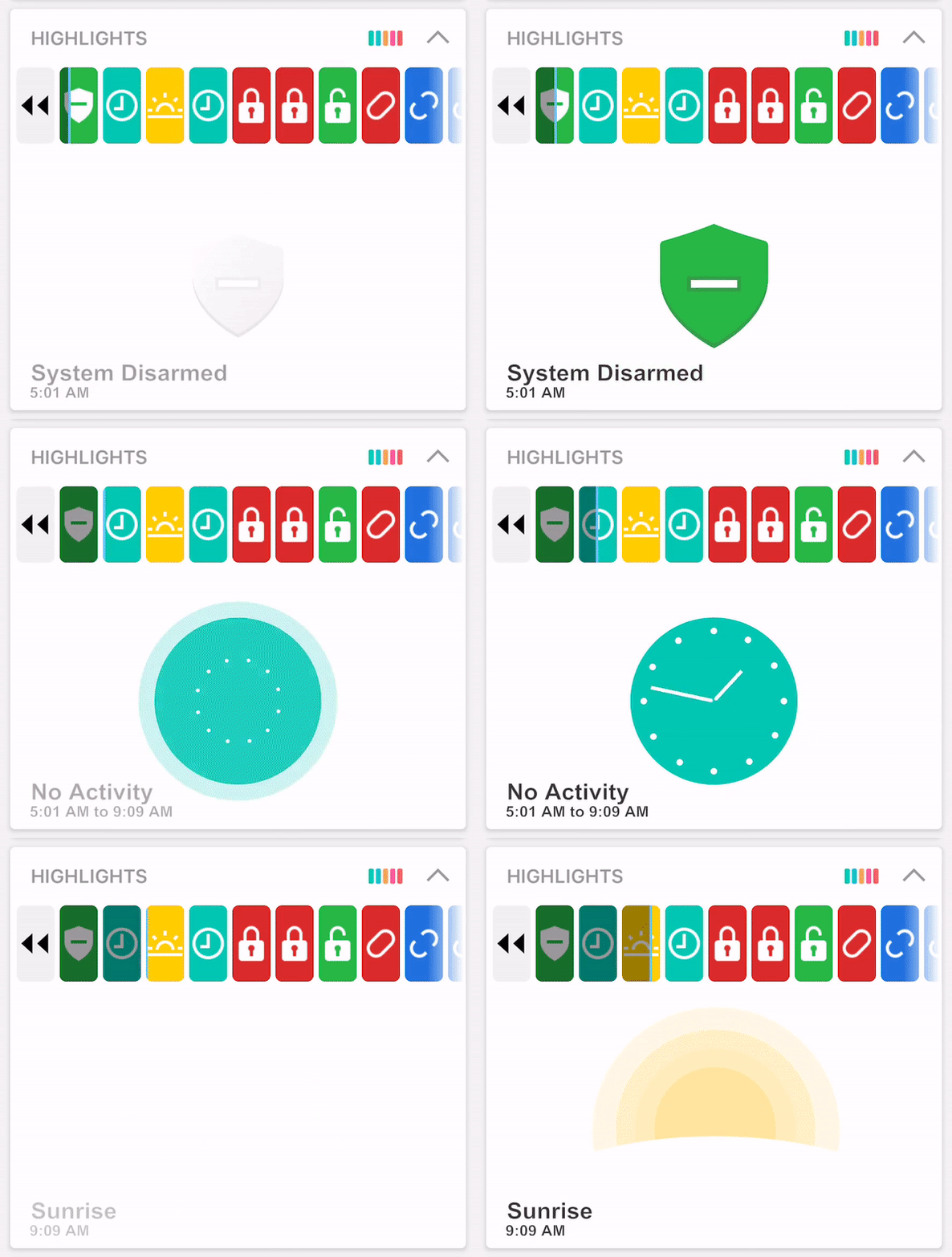
- To view a previous day's highlights, tap
 .
. - Once finished, the screen will display, You're all caught up!
Use Highlights to quickly get up to speed on what is happening at home while away with a visual summary of key events in a compelling story format with short video clips and animated icons. It is easy to see when people leave the house in the morning, who armed the house, when the mail was delivered, and more.
Note: Events that display in Highlights are automatically generated as the day goes on and represent a summary of daily activity. All events that occur during the day may not be included in Highlights.
Highlights can be viewed using the Customer app and Customer website. You can also choose to download or share Highlights using the Customer app.
Note: Highlights events cannot be customized and the availability of each highlight is dependent on the equipment enrolled in your system.
The Highlights summary shows a selection of the most important events of the day, such as when:
The feature allows you to:
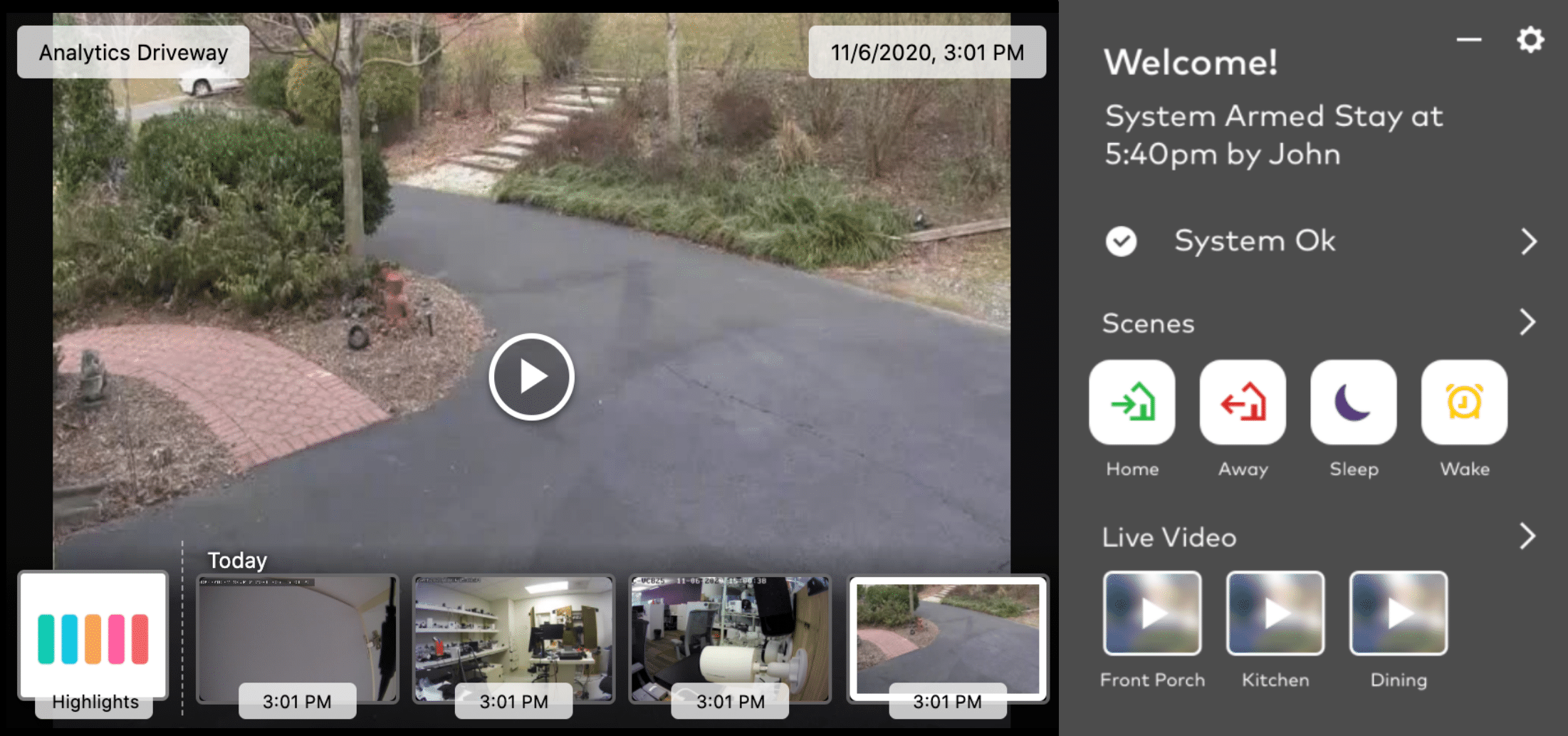
to view previous daysHighlights can be viewed using the Customer app or Customer website.
.
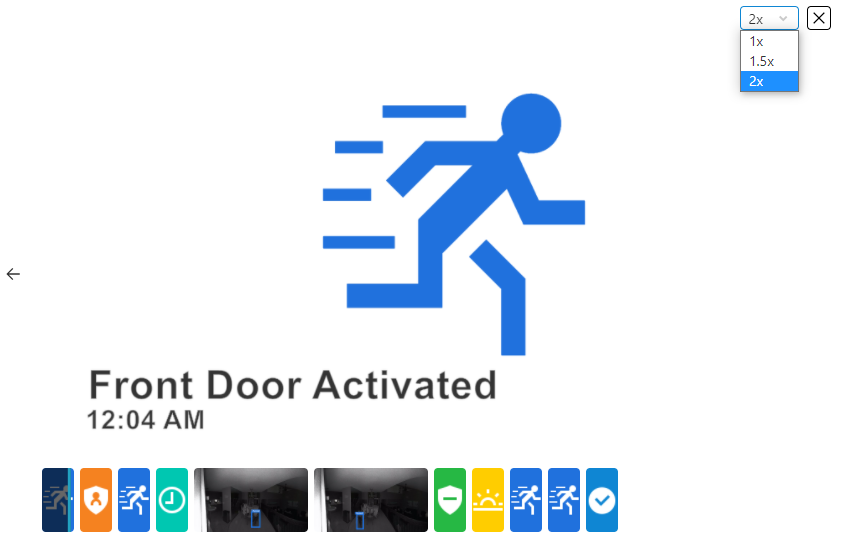
 .
.A single video reel is created using the video clips within Highlights (i.e., other Highlights system activity is not included in the reel). The Highlights reel can be saved and then shared from mobile devices through text, email, or posts to social media depending on the selection.