Remove equipment from Amazon Alexa
To remove a Smart Home device:
- Open the Amazon Alexa app.
- Tap
 .
. - Tap All Devices.
- Tap the device desired to be removed.
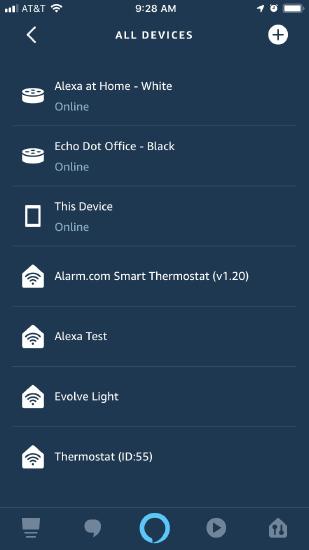
- Perform either of the following depending on the device:
- Tap
.jpg?revision=1&size=bestfit&width=22&height=26) for most devices.
for most devices. - Tap
.jpg?revision=1&size=bestfit&width=25&height=26) and then for some Z-Wave devices.
and then for some Z-Wave devices. - Tap Delete in the pop-up window.
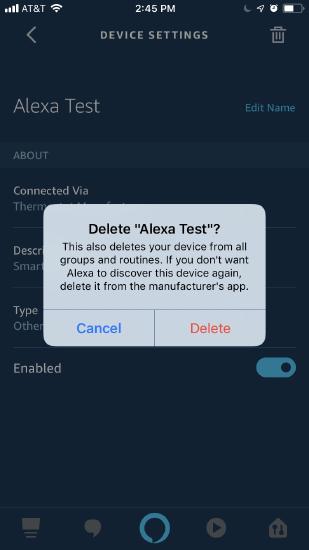
- The device is now removed from the list.