Invalid Contact Information
Invalid Contact Information indicates that an email or text recipient is not receiving automated notifications. For more information about troubleshooting email or text notifications, see Additional troubleshooting.
Note: It is recommended to use push notifications as they provide a more reliable notification experience. For more information about setting up push notifications, see How can a device start receiving Push Notifications?.
Invalid Contact Information examples
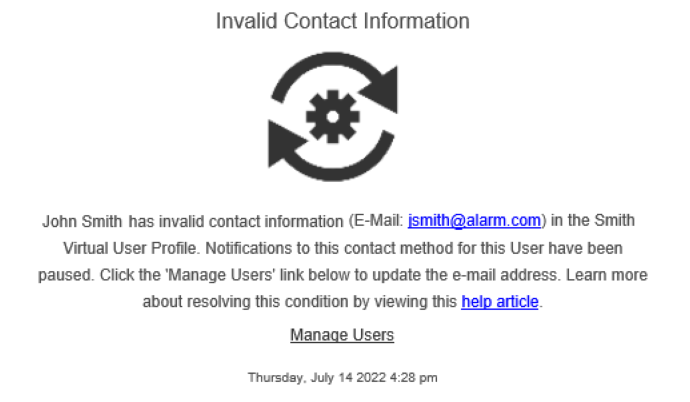
The following is an example of an Invalid Contact Information email a user will receive when their email information is invalid.
Text (SMS)
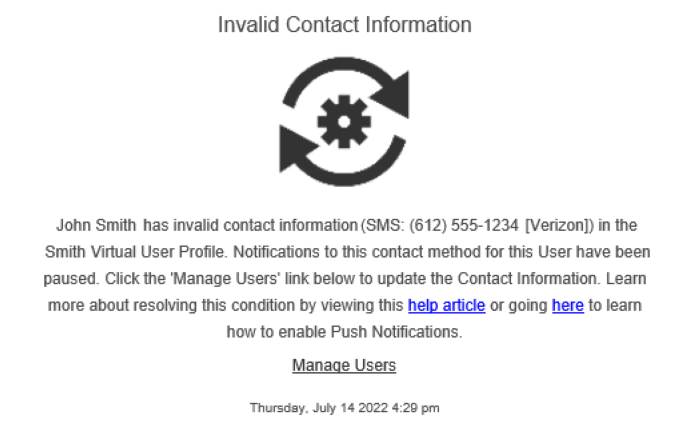
The following is an example of an Invalid Contact Information email a user will receive when their SMS information is invalid.
Resolve an email or text recipient with Invalid Contact Information
An email or text recipient with Invalid Contact Information can be resolved using the Alarm.com app or Alarm.com customer website.
To resolve an email or text recipient with Invalid Contact Information using the Alarm.com app:
To resolve an email or text recipient with Invalid Contact Information using the Alarm.com customer website: 
Additional troubleshooting
Text notifications
- Restart the device and confirm it has a reliable cellular connection.
- If the device has only opted into video notifications with thumbnails, set the notifications to text-only. Notifications with thumbnails are sent as MMS notifications which may have more limitations that would need further troubleshooting from the cellular provider.
- Contact the cellular provider to ensure shortcode and email-to-text messages are enabled on the cellular service package.
Note: If there is difficulty receiving SMS/MMS notifications and the device is using Sprint or T-Mobile as a cellular provider, it is recommended to opt into push notifications as an alternative due to email-to-text restrictions with these providers that interfere with the delivery of notifications. For more information about setting up push notifications, see How can a device start receiving Push Notifications?.
Email notifications
- Verify there are no rules or filters that could block incoming emails.
- Verify the inbox has not reached its capacity.
- Verify there are no firewalls or security add-ins to the email inbox that may be blocking notifications. If a private email domain is being used (e.g., work email), contact an IT professional.
- If the preceding steps do not resolve the behavior, contact the email domain's support team.