Default System Awareness Notifications
Alarm.com automatically sends System Awareness notifications to the primary email of a user's account when certain actions occur. These default notifications cannot be configured or turned off and are always sent whenever certain actions occur on a user's account.
The following actions send an automatic System Awareness notification to the user's primary email:
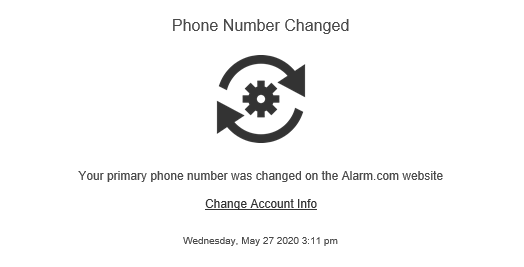
- Primary phone number changes
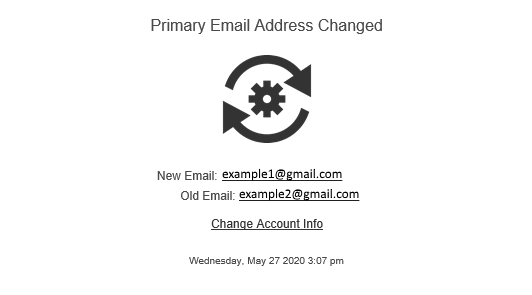
- Primary email changes
- User code changes
- Login created or edited
- Log In with Access
- Invalid email address for a secondary contact
The following are example Default System Awareness Notifications for a primary email change and a primary phone number change:
For more information about system notifications that can be configured, see Create/edit a System Event notification.