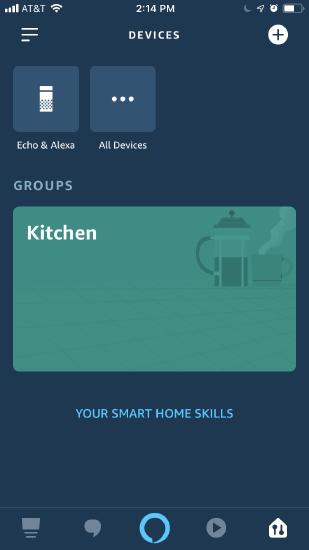
Create a group of Amazon Alexa Smart Home devices
To create a group of Amazon Alexa Smart Home devices:
- Open the Amazon Alexa app.
- Tap
 .
. - Tap
 in the upper right corner.
 - Tap Add Group.
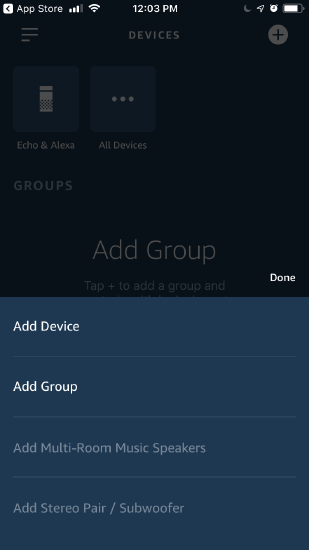
- Either tap Custom Name and enter a Group Name or select a Common Name.
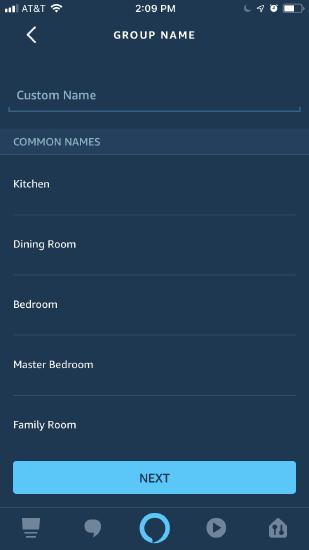
- Tap Next.
- Tap to select the devices you would like to add to the group.
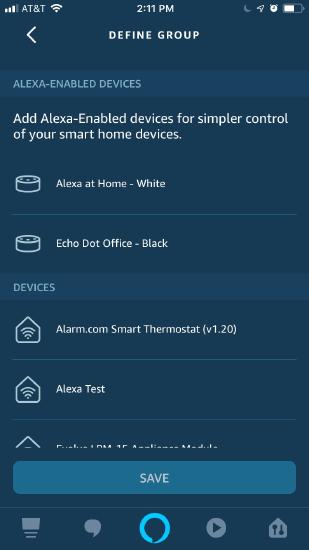
- Tap Save.
- The group should now display under Groups in the Devices section of the app. The group below is named Kitchen.