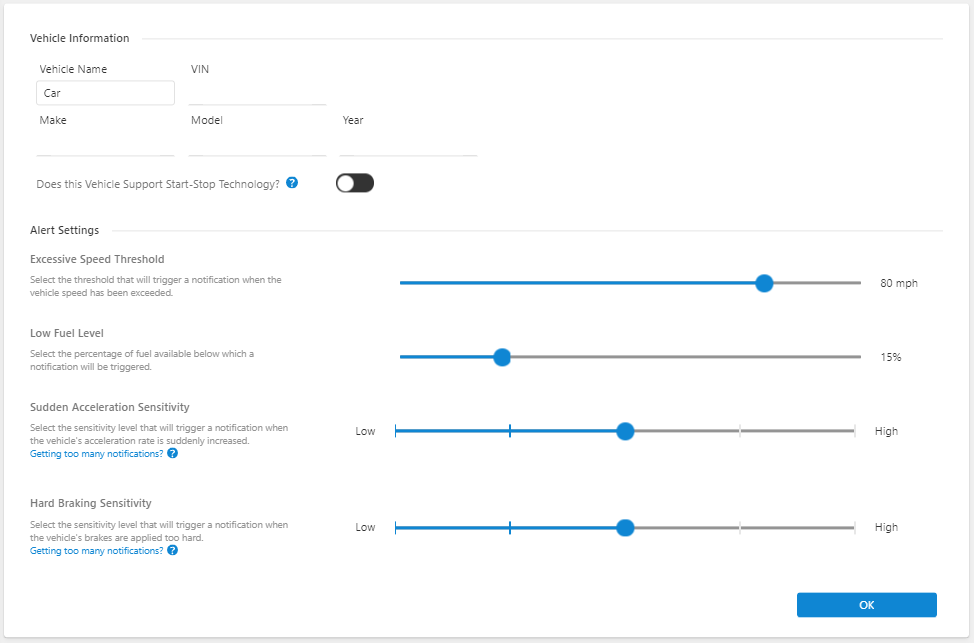
To configure Connected Car Settings using the Alarm.com app:
- Log into the Alarm.com app.
- Tap Cars.
- Tap
 .
. - Tap Alert Settings.
- Configure Alert Settings as desired.
- Tap Save.
Note: Some settings may not take effect until the next time the Car Connector communicates with Alarm.com servers.