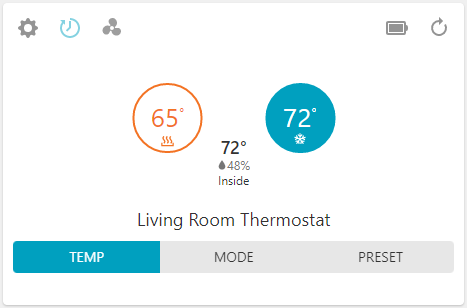
To change the thermostat setpoint using the Alarm.com app:
- Log into the Alarm.com app.
- In the Thermostats card, verify the thermostat is in the desired mode.
- Tap
 or
or  to adjust the set point temperature(s).
Important: When using Auto mode, the Heat (left) and Cool (right) setpoints must be separated by at least 3 degrees to prevent the thermostat from toggling constantly between heating and cooling. Setting the Cool and Heat target temperatures less than 3 degrees from each other will waste energy without providing additional comfort.