Change how the Welcome card appears on the website
The Welcome card on the Customer website can be collapsed and expanded, but what appears on the card cannot be changed.
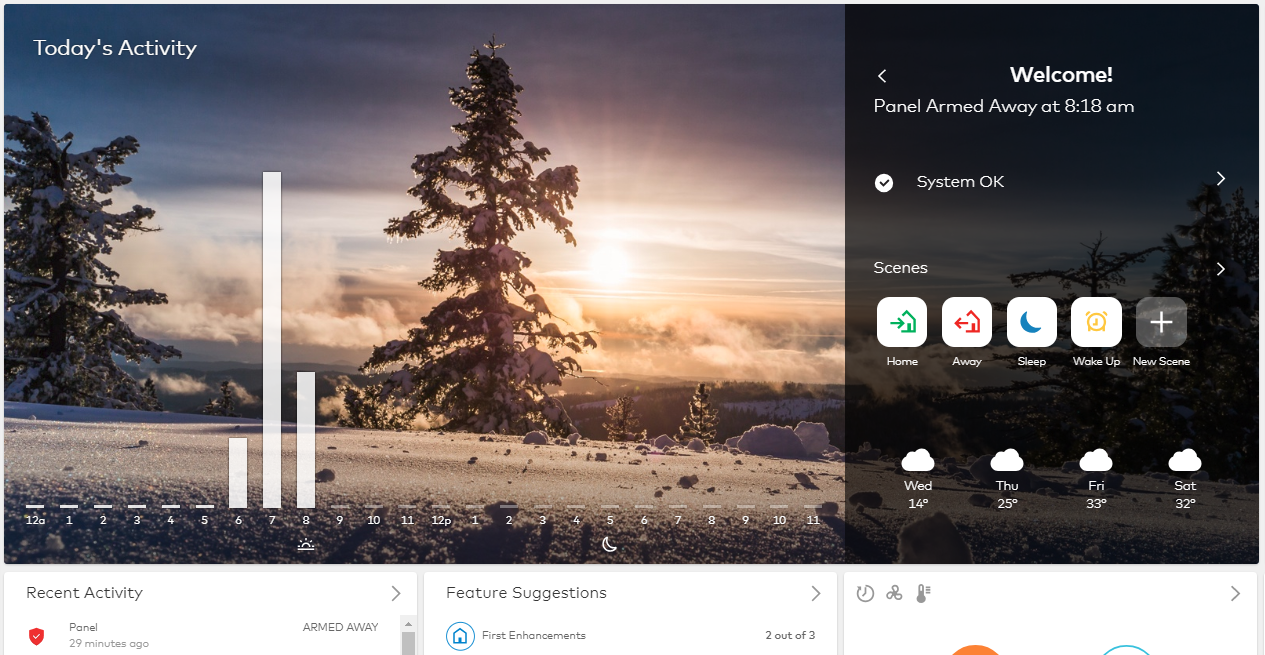
The following image is an example of how the Welcome card appears by default:
Note: If you have video devices, Today's Activity and the weather forecast are replaced by video clips.
To collapse the Welcome card:
- Log into the Customer website.
- To hide Today's Activity or saved video clips on the Home page, click
 on the Welcome card to collapse the section. The system saves the selection for the user's login (e.g., if the user selects to collapse the Welcome card, it stays collapsed when the user logs out and logs back in to view the system).
Note: User logins are not affected by another user login's selection.
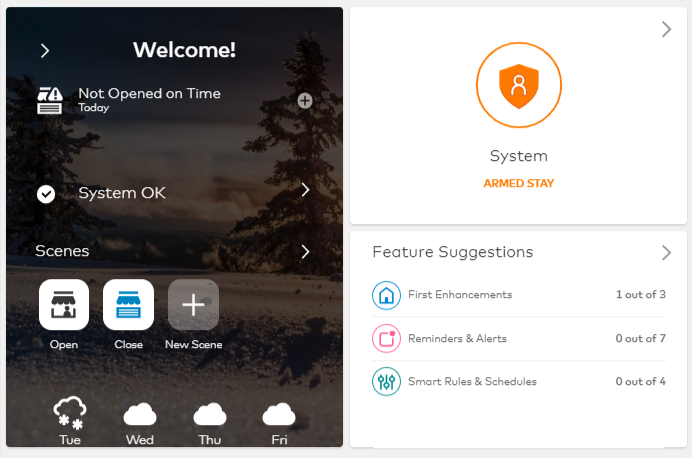
The Welcome card can also be hidden. For more information about hiding the Welcome card, see Rearrange Home page of Customer website or Customer app.