Change a sensor name remotely
Sensor names can be managed remotely using the Alarm.com app or Alarm.com customer website.
To change a sensor name using the Alarm.com app:
- Log into the Alarm.com app.
- Tap
 .
. - Tap Manage Devices.
- Tap
 next to the device to rename.
 - Tap Rename Device.
- Enter the desired name for the sensor.
- Tap OK.
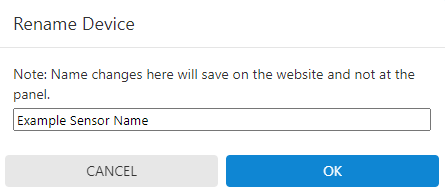
To change a sensor name using the Alarm.com customer website:
- Log into the Alarm.com customer website.
- Click Settings.
- Click Manage Devices.
- Click next to the device to rename.

- Click Rename Device.
- Enter the desired name for the sensor.
- Click OK.